
Web Editor · Xense AR Portal 2.0
Letting creators build indoor navigation in a browser
Designed, handed over, now awaiting first users.
- My part
- UI design, Web Editor
- With
- Ms Thảo (business analysis), dev team
- Period
- 2025 – 2026
- Tools
- Figma, Jira, Confluence
The problem
The Portal is where creators manage an AR experience. One part is indoor navigation: importing a scanned map and placing pins for visitors. Creators are not developers.
What I found
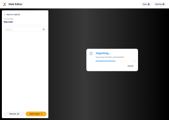
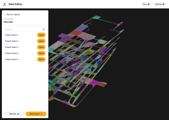
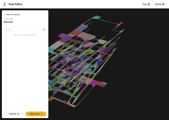
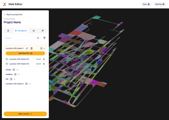
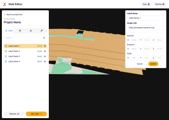
A map needs a NavMesh, then a 3D mesh or a 2.5D map, and any of them can be missing or fail to load. Most of the work was deciding what the editor shows in each case.
The decision
Option A
Keep the old names: "Xense Creator" for projects, "Navigation Creator" for the editor.
Why not: both were called Creator.
Option B
Why not
Option C · chosen
Rename by what you do there: "Project Management" and "Web Editor", sidebar reordered to match.
Why this one: easy to tell apart.
The solution
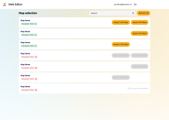
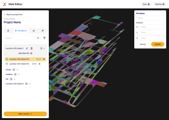
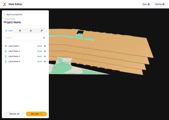
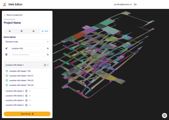
1 Normal state
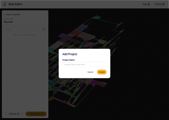
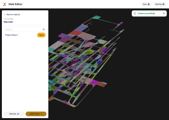
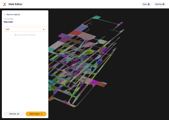
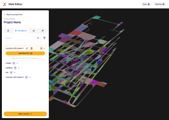
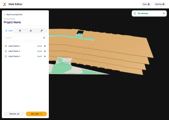
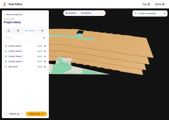
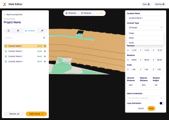
Each map lists the assets it has, with an import button for each.
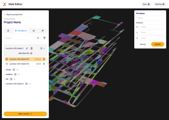
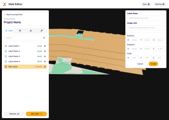
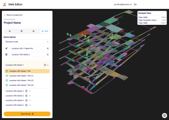
2 Empty state
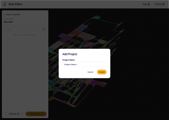
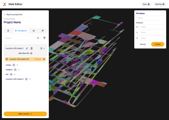
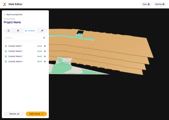
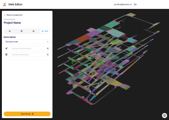
No 3D mesh and no 2.5D map: the row says there is nothing to import.
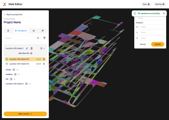
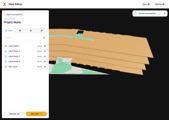
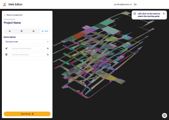
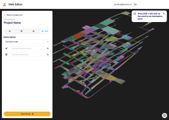
3 Error state
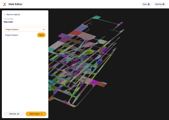
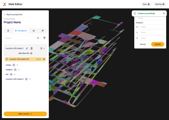
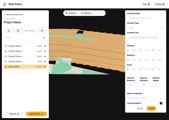
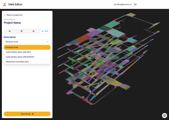
If a refresh fails, the last list stays, marked as possibly out of date.
Result
screens designed
components in the design system
finished, not yet in users' hands